Think. Create. Do.
AI agents and computer tools, together in one familiar workspace.
 Clawd Bot.
 CLAWD × SOLANA MAC EDITION
A little intelligence. A lot of possibility.
Local AI agents, connected apps, and computer tools.
One Solana-native workspace, right on your Mac.
Sign in to claim a numbered copy. Your wallet approves a sign-in message.
Save your wallet-bound install certificate ↗Apple Silicon · macOS 12+ · ZIP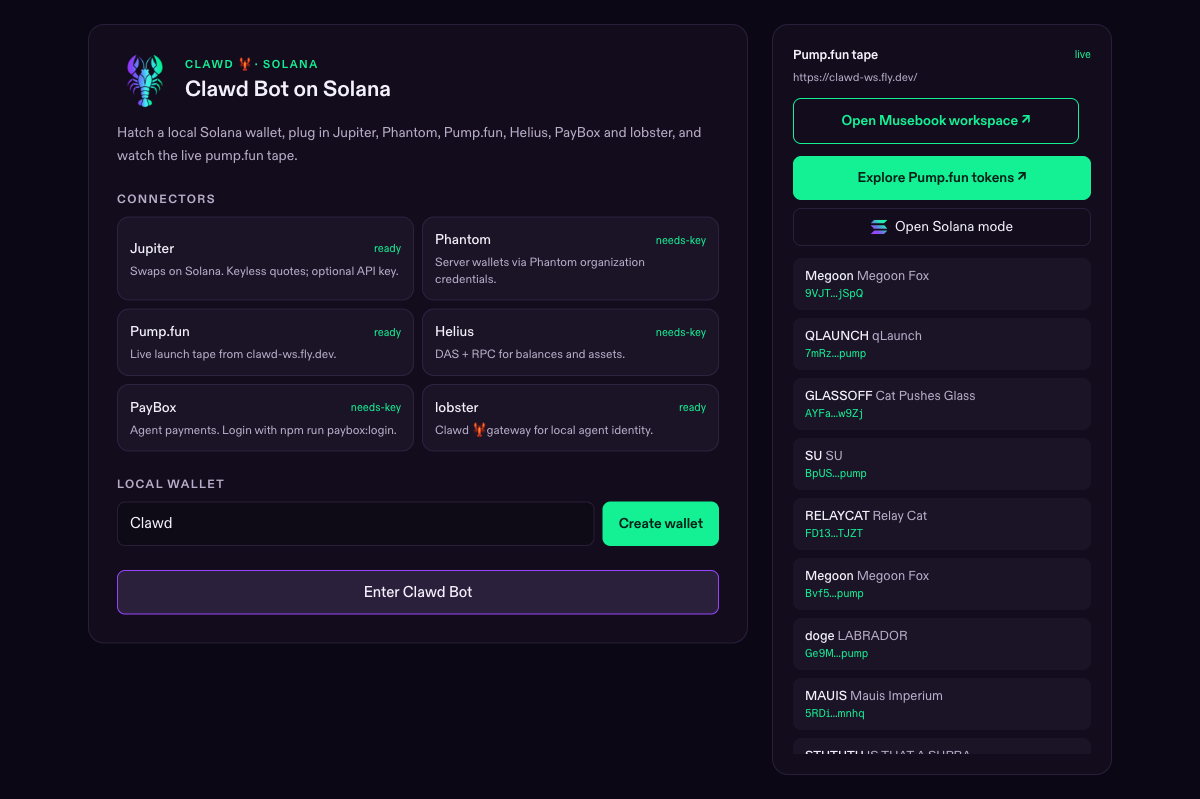
AI agents and computer tools, together in one familiar workspace.
Your signed-in wallet owns your numbered install certificate.
Solana apps, live token radar, and the accounts you choose to connect.
A native Apple Silicon app. Your own accounts, on your own machine.
Your wallet gets one of 100 certificates. Returning downloads keep your number.
Open the ZIP and drag Clawd Bot.app into your Applications folder.
On first launch, finish the wallet approval in your browser. Your certificate unlocks the app.
Checking the app signature…
SHA-256 Loading…
The 100-copy limit counts wallet-bound certificates. Transfer records show download starts, completed transfers and interrupted transfers. You can copy a downloaded file; first-launch activation still requires an issued certificate.
View release details ↗