Persistent Dots.
Roles, instructions, avatars, saved conversations and permissions stay attached to each specialist.
 ChatGPTEEFOR MAC
Solana Dots brings your specialists, Spaces, pages and conversations to a Mac app. Pair a browser to continue on your iPhone, Solana Mobile or another computer.
Connect another screenYour Mac hosts this workspace. Hosted ChatGPTEE sign-in opens your separate hosted workspace.
ChatGPTEE on your Mac
Checking the current app’s signature and download availability.
A ZIP containing Solana Dots.app
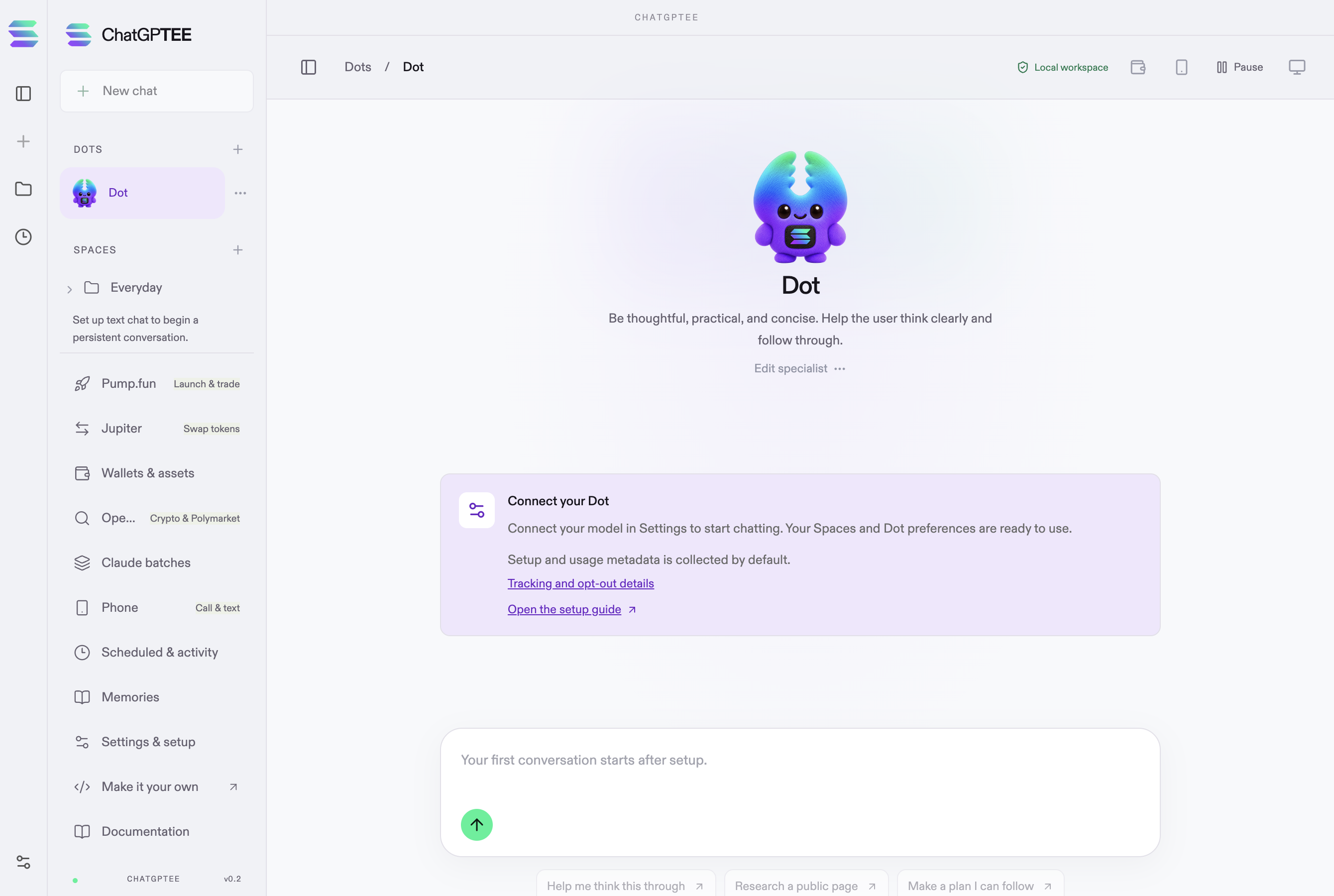
ChatGPTEE in Solana Dots for Mac.
Roles, instructions, avatars, saved conversations and permissions stay attached to each specialist.
Organize project context, edit pages and choose what each Dot can access.
Configure your own providers in Settings. Review requested actions and wallet transactions before approving them.
Open Phone in Solana Dots, enable access and create a pairing code. Scan the QR code or enter your Mac connection ID and code at chatgptee.ai/pairing.
Pair your devicesKeep your Mac awake with Solana Dots open. Codes expire after two minutes. Revoke any paired device from the Mac’s Phone panel. Provider keys and wallet signing stay on your Mac.
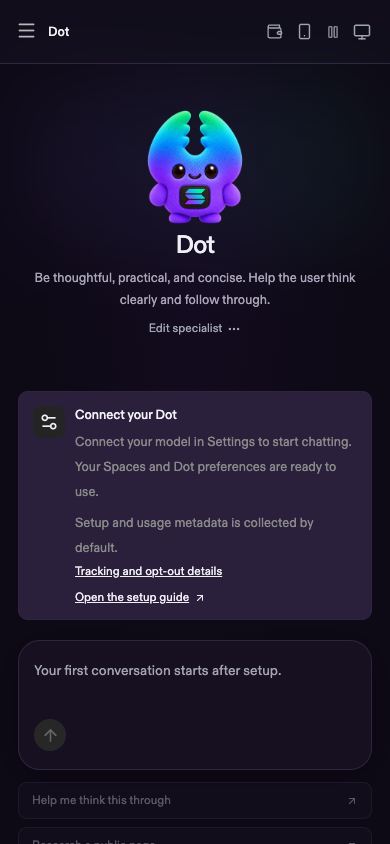
Open the release ZIP and drag Solana Dots.app into Applications.
Open Settings to add your provider, then start a conversation or create a Space.
Open Phone and create a code to connect your iPhone, Solana Mobile or another browser.
Checking release signature…
Checking Apple notarization…
Archive SHA-256 Checking…
The public archive opens after the app signature, Apple notarization and exact archive checksum have been verified.
View release metadata